

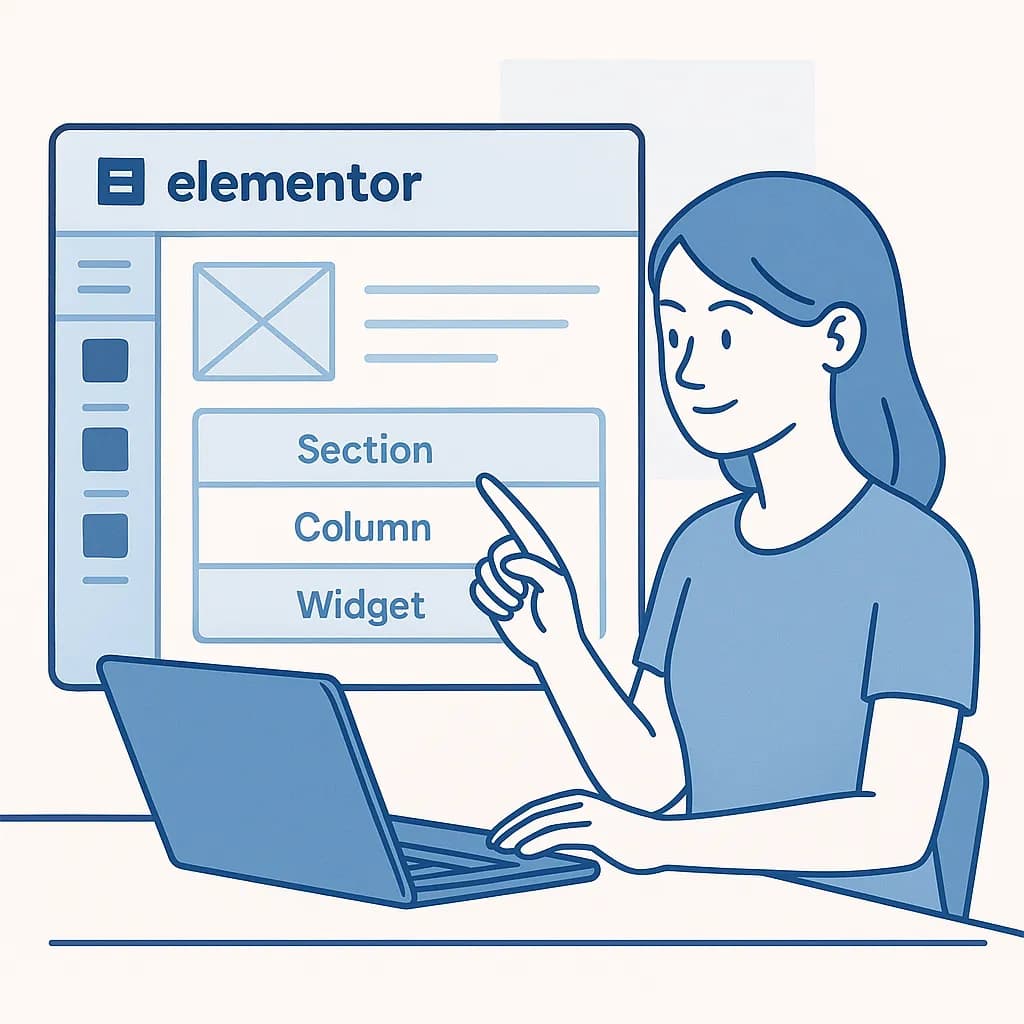
If you work with Elementor today, page structure revolves mainly around Containers and widgets. On older sites, however, you can still find the previous system based on sections and columns.
Understanding the difference matters because it affects DOM structure, responsive design, maintenance and performance.
The modern system: Containers + widgets
Containers are now the main element Elementor uses to organise the layout. They can hold widgets or other nested containers.
- Container: defines structure, direction, alignment, spacing and responsive behaviour.
- Widget: the content or feature, for example a heading, image, button, form or carousel.
- Nested container: lets you create sub-structures without unnecessary levels of sections and columns.
Flexbox and Grid
Elementor lets you work with Containers based on Flexbox or Grid.
Flexbox suits most linear layouts, horizontal or vertical. Grid is useful when you need to organise content in more structured rows and columns.
Why Containers are preferable
- they need fewer HTML elements than the old nested layouts;
- they offer more responsive control;
- they let you manage direction, order, alignment and size without duplicating sections;
- they make it easier to build reusable components;
- they can reduce DOM complexity.
What about the old sections and columns?
On existing Elementor sites you may still come across this structure:
- Section: the main horizontal wrapper;
- Column: an element inside the section;
- Widget: the content placed inside the column.
This structure still works, so there is no need to automatically convert every existing page. If the site is stable, migration should be weighed against real benefits, maintenance and the risk of regressions.
When it is worth converting sections and columns to Containers
- when you are doing a major redesign;
- when the layout is deeply nested and hard to maintain;
- when you want to simplify responsive behaviour;
- when you are already working on performance and structure;
- when you need to create new reusable components.
The conversion still needs testing: Elementor can convert old sections into Containers, but the switch should not be treated as a purely cosmetic operation.
How to structure a page cleanly
A useful rule is to use the smallest number of containers needed to achieve the layout.
- one main Container for each logical area of the page;
- child Containers only when they are really needed for layout or responsiveness;
- widgets directly in the Container when no extra level is needed;
- avoid nesting Containers just to create margins or spacing;
- use gap, padding and Flexbox/Grid properties instead of Spacers and duplicated structures whenever possible.
Containers and performance
Switching to Containers does not automatically make a site fast, but a simpler structure can reduce the number of DOM elements and make the layout easier to manage.
Performance also depends on images, JavaScript, add-ons, fonts, hosting and the number of widgets loaded. To learn more, read also how to use Elementor without slowing down your site.
In short
On new projects I would start with Containers. On existing sites built with sections and columns, I would consider converting only when it brings a concrete advantage.
If you need to reorganise an existing Elementor project or develop more structured components, see also the page on custom Elementor development.