

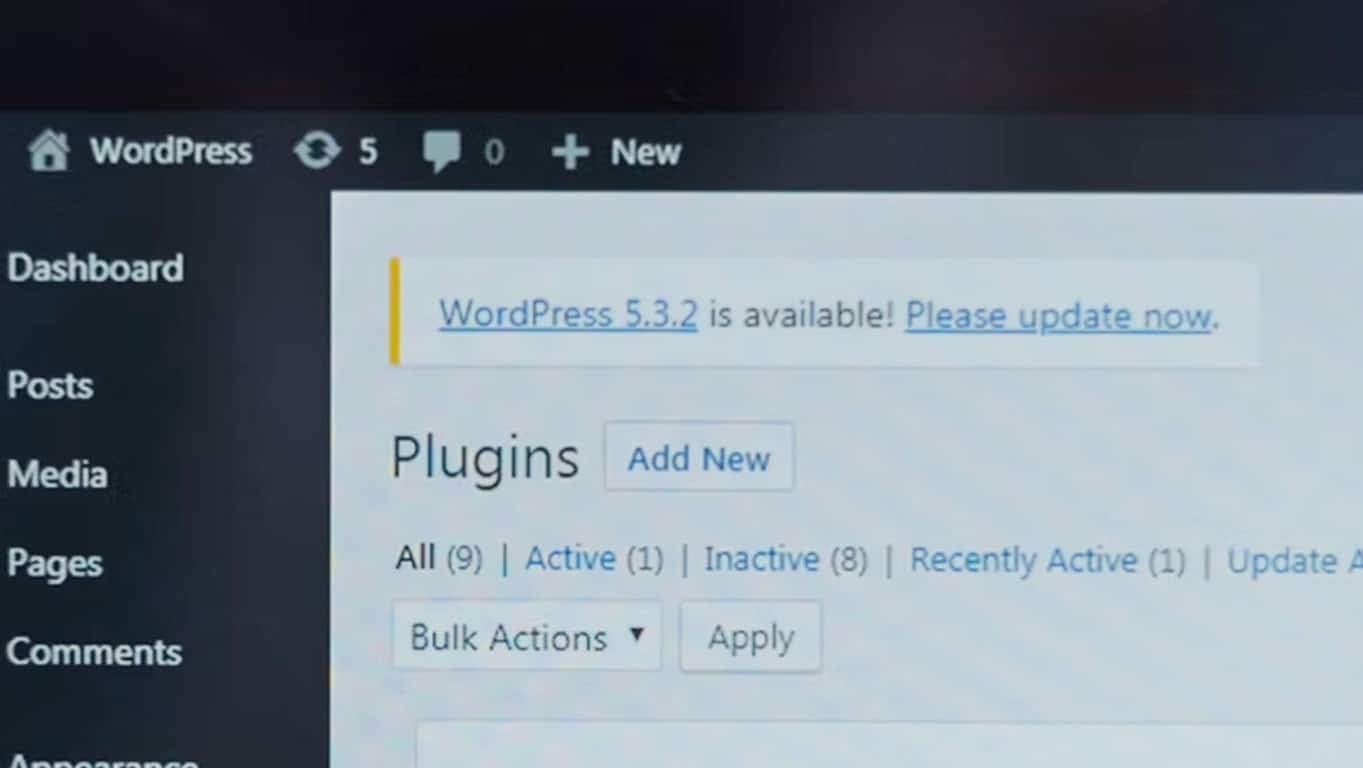
What are updates, and why is it important to install them?
WordPress updates, like those of any other software, are released for three reasons:
- To fix security problems
- To fix functional problems
- To add new features
As you can imagine, code that leaves room for intrusions, or does not do what it is supposed to, is code that needs fixing.
Likewise, new features become essential when plugins and themes need to work with one another.
In WordPress, there are three components that need constant updating:
- Plugins
- Themes
- WordPress
OK, let’s update WordPress. But when? And how?
Knowing when updates are released is very easy, and WordPress makes this job much simpler too.
This information is always front and centre.
First of all, in the WordPress admin top bar, the icon shown in the image tells you at any moment how many updates are available, 10 in our case.

Clicking the icon takes us to the area dedicated to updates, which lists those available for WordPress, plugins and themes, whether they are active or not.
If we are already in the back end, the section is among the first items in the admin sidebar.
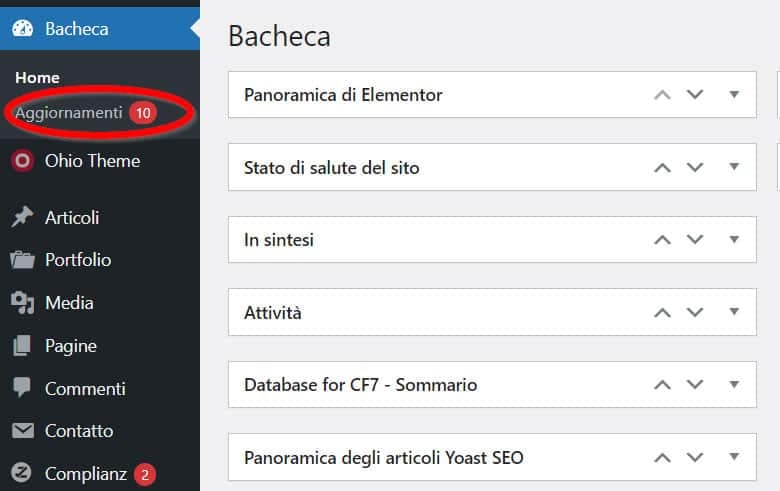
Clicking the link takes you to the dedicated section, where you will find a summary of all updates; plugin updates are also shown in the Plugins section.
So, shall we update everything?
If we only consider the three reasons updates are released, the answer is obviously YES 🙂
In reality, it is always worth pausing for a moment and at least making sure you have a backup of files and database in case the update fails for some reason, or in case there are compatibility problems with other plugins. If you would rather hand this over, you can rely on a WordPress maintenance service.
WordPress constantly reminds us: “Before updating, please back up your database and files.”
A backup is simply a copy of your site. There are several ways to make one, but in any case never update without a backup at hand.
What to update first: plugins, themes or WordPress?
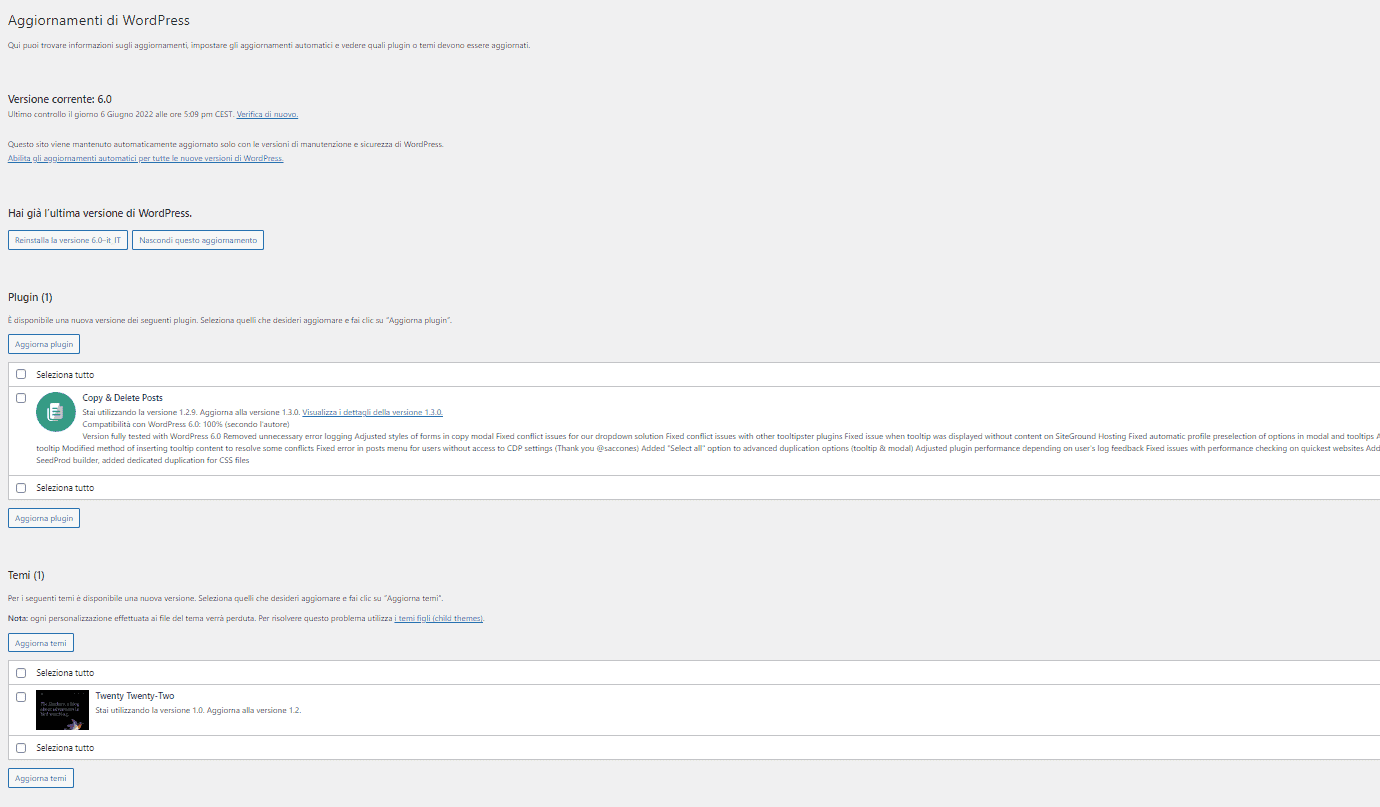
The first update to run is always WordPress itself, the core of the site and the foundation the other components are built on.
After the WordPress core, the Updates section lists plugins and finally themes.
Automatic updates: enable them or not?
WordPress lets you enable automatic updates. This means that whenever an update is released, WordPress can detect it, install it and activate it on your site, without anyone lifting a finger.
All great, as long as everything goes well.
For the same reasons it is strongly recommended to have a backup before running updates, we can also imagine what might happen if an automatic update fails.
The site could be unreachable or broken for an hour, a day or even longer, with all the consequences that can bring.
So: backups and care, always!